The Editing Lair
Get The Automated Delivery SOP

Get The Automated Delivery SOP

Send clients their link before the render even finishes.

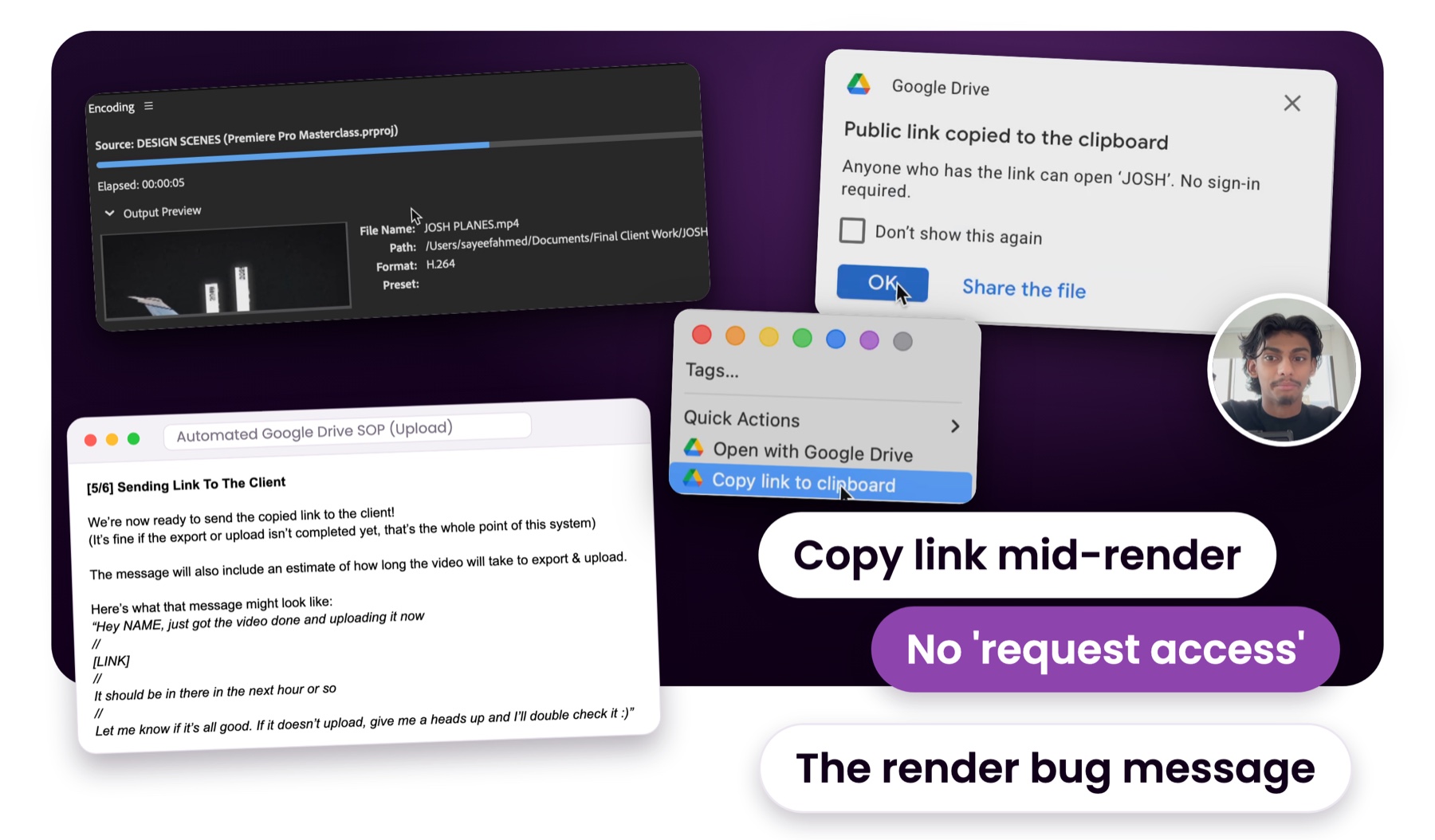
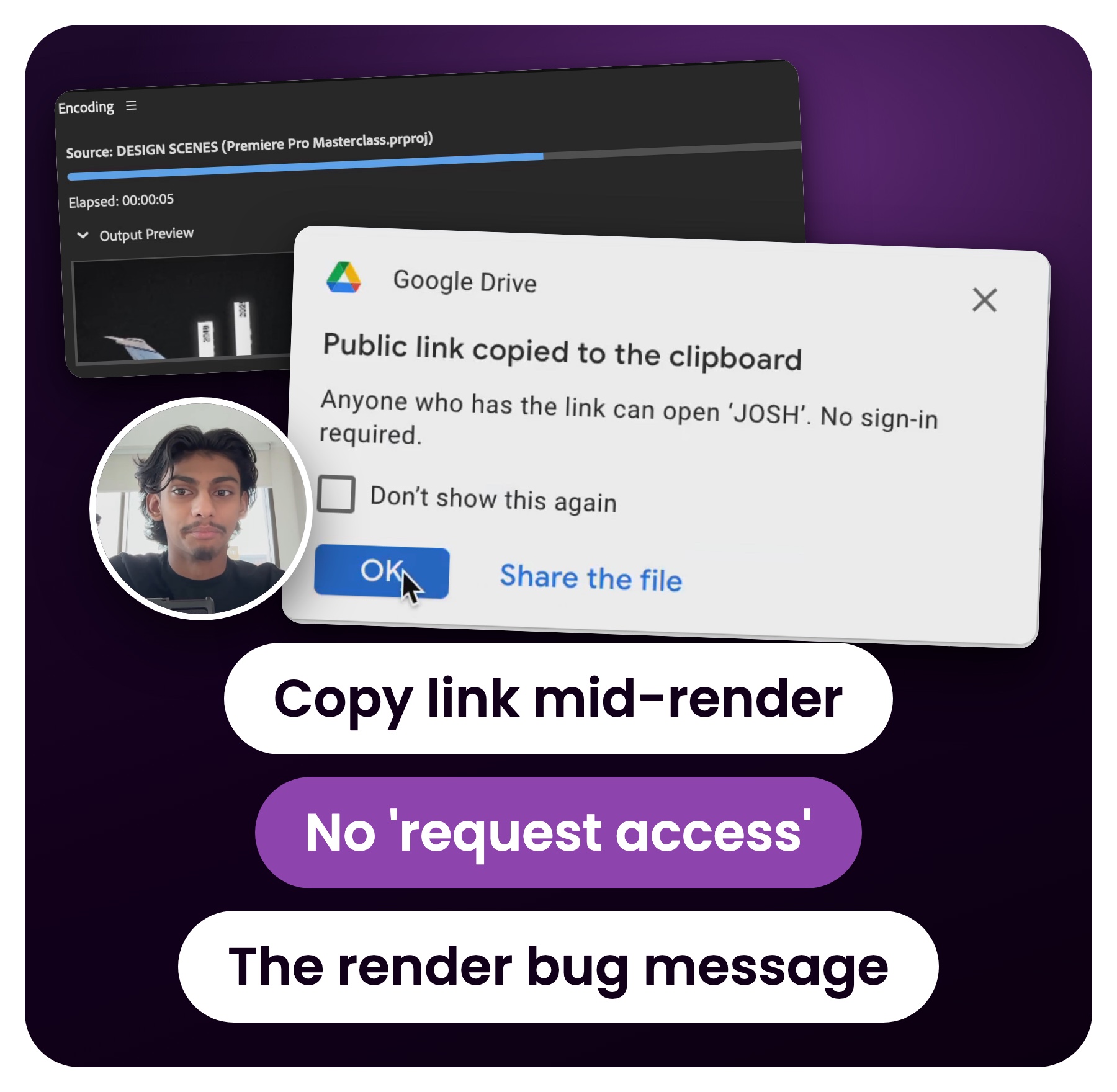
Real frames from the Automated Delivery SOP walkthrough: Media Encoder rendering a video into the Final Client Work folder, the Finder right-click 'Copy link to clipboard', Google Drive's 'Public link copied to the clipboard, no sign-in required' popup and Malice on camera, next to the Upload SOP's message for sending the client the link
Where should I send it?
Real frames from the Automated Delivery SOP walkthrough: Media Encoder rendering a video into the Final Client Work folder, the Finder right-click 'Copy link to clipboard', Google Drive's 'Public link copied to the clipboard, no sign-in required' popup and Malice on camera, next to the Upload SOP's message for sending the client the link

You'll get 3 SOPs, 3 walkthrough videos, and what to tell the client if a render fails.

This site is not part of the YouTube, Google, Meta, Facebook or Instagram website, and is not endorsed by YouTube Inc, Google Inc, Meta Platforms Inc or any of their affiliates. Results are not typical and are not a guarantee of your results. The Automated Delivery SOP is a free resource for video editors.
© Malice Media. All rights reserved.